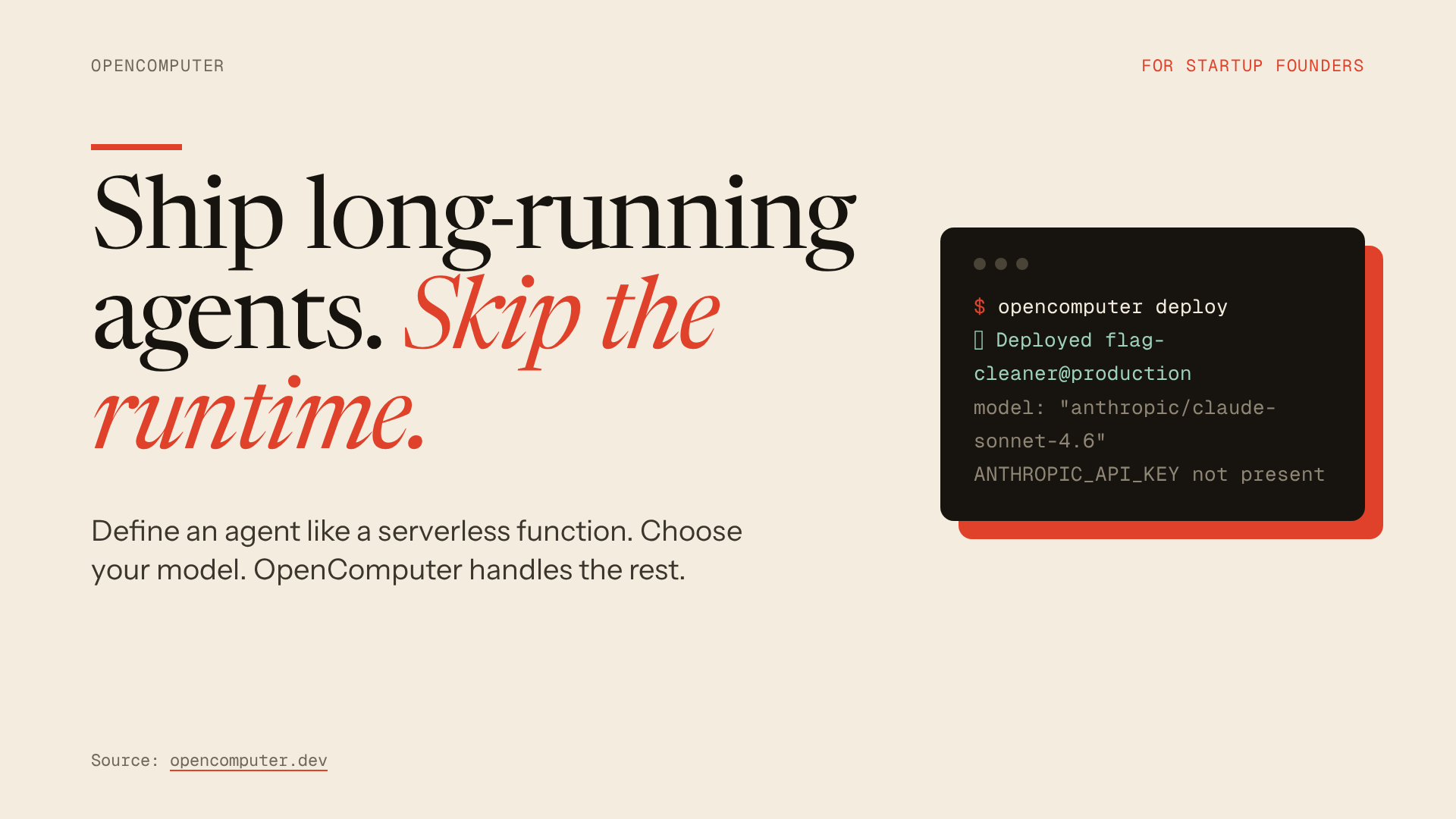
A little less slide work. A lot more story.
Ship a presentation.
Paste a URL or describe your idea. Opus 5.5 designs the deck and an OpenComputer serverless agent checks and exports it. Editable HTML, PDF, and previews.
Your story is ready.
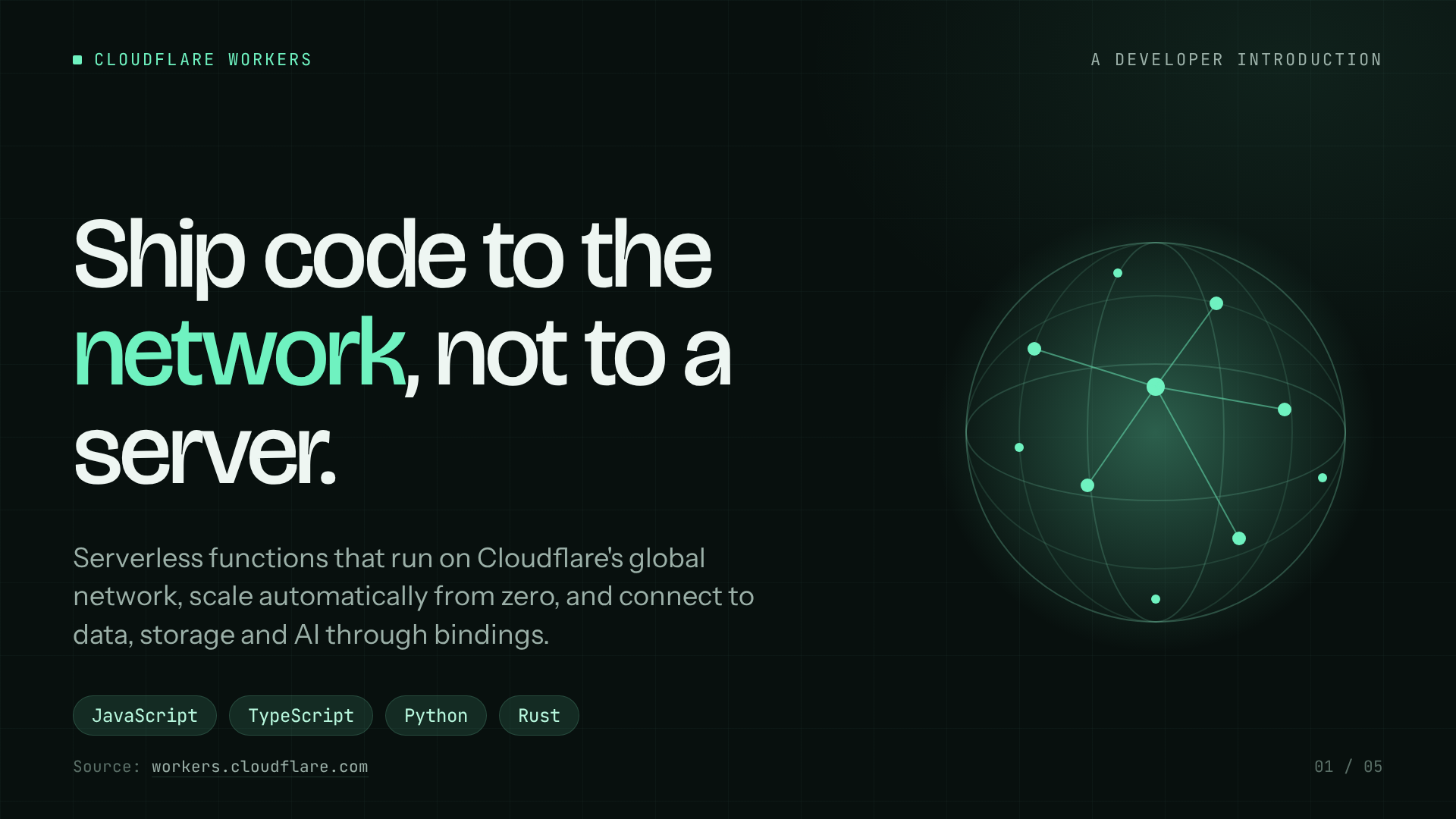
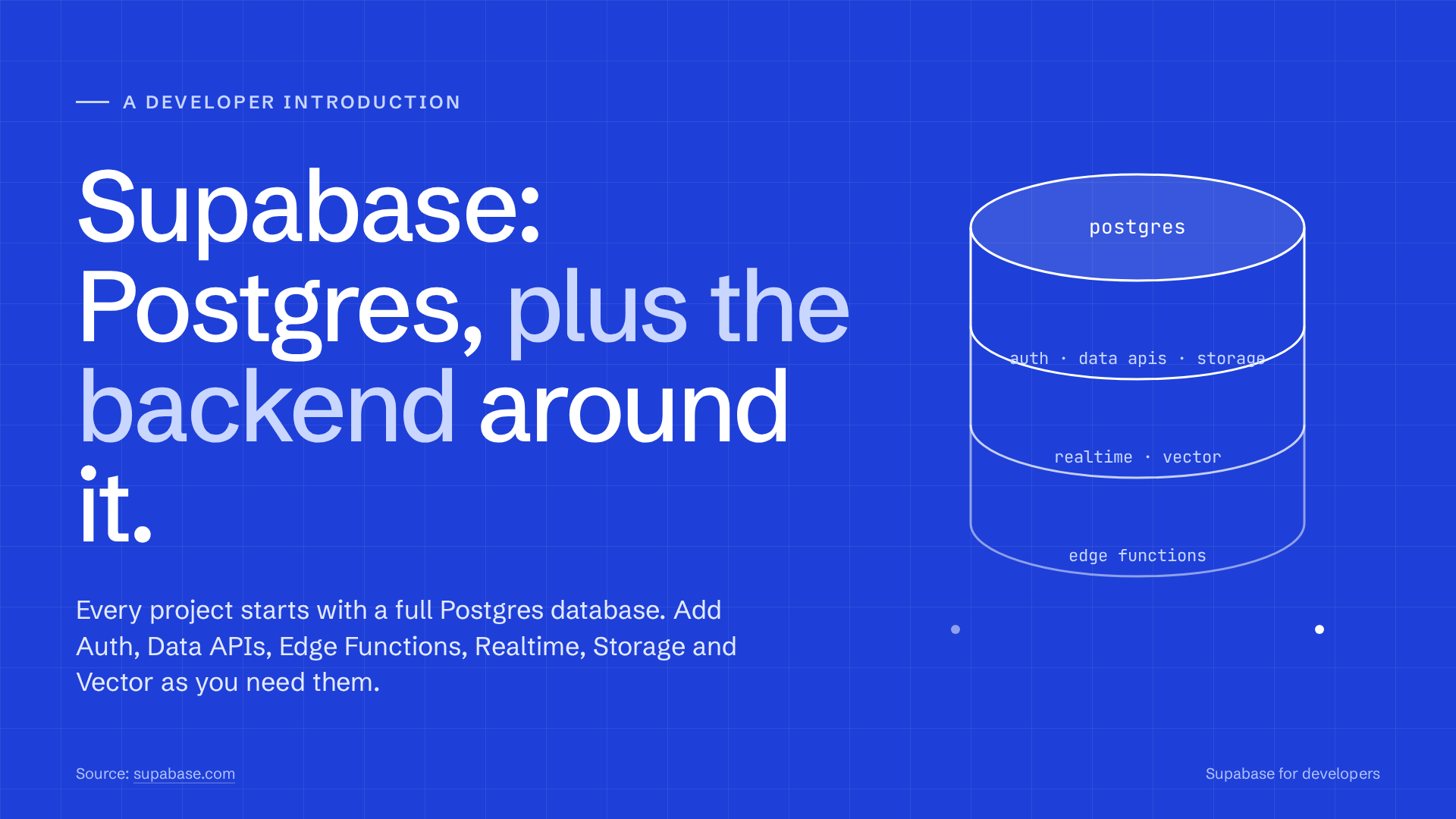
Real decks generated by ShipSlides
Built for developer tools.
A product overview, an architecture story, a developer introduction. See what a URL can become.
How it runs
A serverless agent on OpenComputer. Yours in one click.
The form starts a session. The model writes the presentation as HTML. Tools render it in Chromium, check the layout, and save the files. OpenComputer manages the agent loop, inference, tool computer, durable session events, and workspace storage.
Your brief→Session + turn→Designer agent→Chromium checks→HTML · PDF · PNG
- Website
- This form sends your brief, audience, slide count, and style to a small Node API. On Vercel, that API authenticates with a server-side OpenComputer credential and the configured agent/project IDs. The local preview uses your CLI login and project binding. Your credential never goes to the browser.
- Session
- The API creates one session of the deployed designer, then submits your brief as a turn. OpenComputer runs the model/tool loop. The website polls durable events to show research, design, checking, and export progress. Reloading this page resumes the same session.
- Agent
agent.tsselectsanthropic/claude-opus-5.5, registers four tools, and returns the design instructions plus your brief. The agent chooses a narrative and varied layouts using the bundled Frontend Slides and Presentation Design skills.- Research
web_fetchreads public HTTPS pages, follows validated redirects, and returns bounded page text. Private addresses are rejected. The designer cites sources and labels fictional examples. A JavaScript-only website may need pasted source content.- Computer
- The agent control loop runs in OpenComputer’s serverless runtime; custom Node tools execute on its managed tool computer. This is where network fetching, package installation, filesystem writes, and Chromium run. The renderer installs Playwright and Chromium on first use.
- Design
- The model writes one self-contained HTML presentation with inline CSS, JavaScript and diagrams. Slides use a 1920 × 1080 stage scaled to fit the browser. Each slide has speaker notes, with keyboard/touch navigation and inline text editing.
- Validation
check_deckrenders every slide and checks JavaScript errors, canvas size, clipping and text outside the slide. The agent reviews returned text and issues, then revises. The built-in skill reader cannot view generated PNGs, so visual review remains yours.- Export
export_deckindependently repeats the checks, prints one slide per PDF page, and saves HTML, PDF, PNGs and a manifest under/workspace/slides/<name>/. No separate storage account or image model is needed.- Delivery
- The website lists real session workspace files and requests authorized download URLs. Its server-side API retrieves those files for the browser. The finished HTML is embedded in a sandboxed viewer; download the HTML to keep editing or the PDF to share.
- Revisions
read_deckloads a previously exported HTML deck in the same session. The agent can change particular slides and export again. Browser edits affect your HTML download; they do not automatically update the already-generated PDF.- Deployment
- The one-click button imports
diggerhq/shipslidesinto your OpenComputer account and deploys your own agent with its skills and tools. It runs on your credits. This website runs on Vercel. The public demo uses our deployed agent; the deploy button creates your own agent in your account.
import { useInput, useModel, useTool } from "@opencomputer/agent";

export default function Agent() {
  const input = useInput();
  useModel("anthropic/claude-opus-5.5");
  useTool("skill");
  useTool("read"); // packaged skill files
  useTool(webFetch);
  useTool(checkDeck);
  useTool(exportDeck);
  useTool(readDeck);
  return `Design, check and export a deck for: ${input.text}`;
}From first thought to final slide. OpenComputer serverless agent